Panorama Instructions:
Please be patient. Often panoramas consist of many megabytes of stitched photos.
An initial black and white image will be replaced by the full color image when panorama download is complete.
Hold down the left mouse button on the flash object then move the mouse to navigate in any direction.
Press the SHIFT key to zoom in and the CTRL (CMD on Mac) key to zoom out. (Auto-pan starts if the flash object is left untouched.)
An initial black and white image will be replaced by the full color image when panorama download is complete.
Hold down the left mouse button on the flash object then move the mouse to navigate in any direction.
Press the SHIFT key to zoom in and the CTRL (CMD on Mac) key to zoom out. (Auto-pan starts if the flash object is left untouched.)
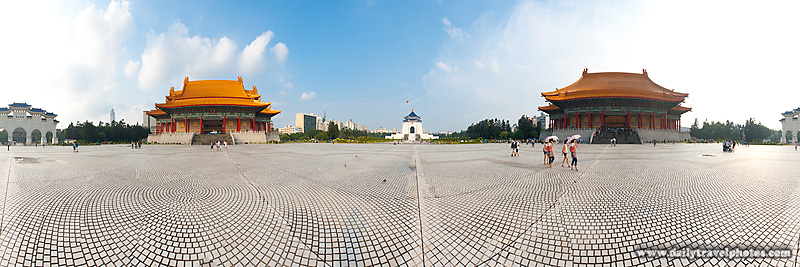
(Taipei, Taiwan)
f/11 || 1/320s || @21mm || ISO320 || Canon 5D || Canon 17-40mm f/4 Embed Code
Paste HTML to embed this picture
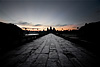
A user controlled panorama of Liberty Square and the Chiang Kai Shek Memorial Hall, the National Concert Hall and the National Theater.

|