
Hold down the left mouse button, keyboard arrows, or touchscreen then move to navigate in any direction.
Press the + key, mousewheel up, or pinch on touchscreen to zoom in and - key, mousewheel down, pinch to zoom out.
and similar images at

and

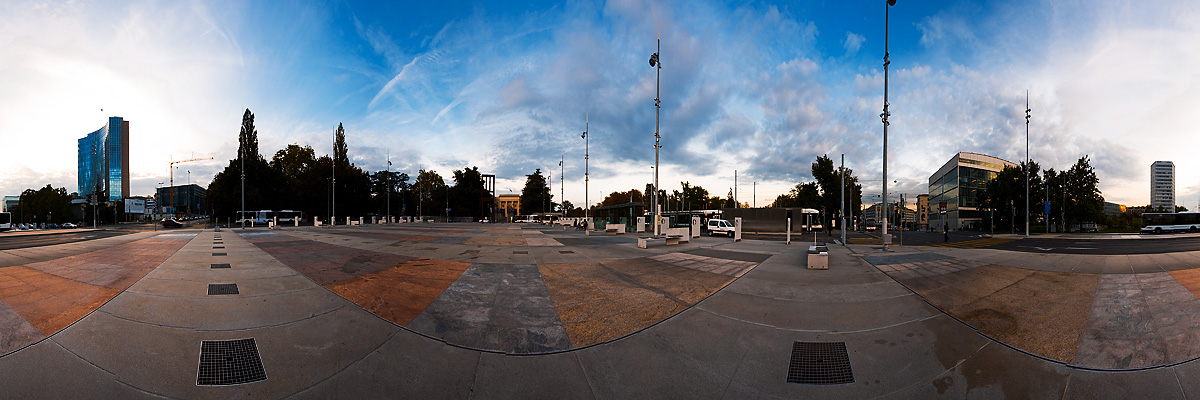
Panorama of UN Plaza in at the European headquarters of the United Nations.
Friday... time to put this terrible week to rest. Enjoy your weekends, folks!



0 Comments - 'Round The World